
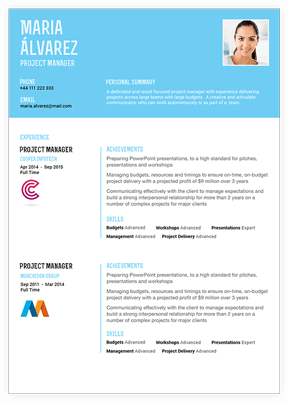
1. Choose or build a resume
Start from the resume gallery, attach an existing document, or preview a quick resume draft.
Go to resumesQuick Tour
See the path from resume creation to profile proof, alert control and private account management.
Start from the resume gallery, attach an existing document, or preview a quick resume draft.
Go to resumes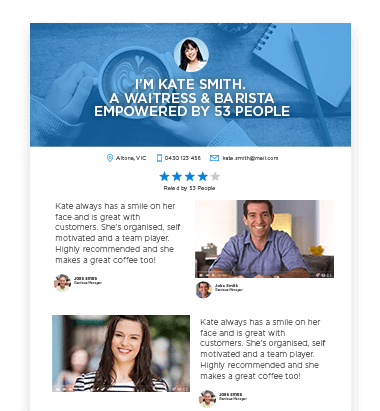
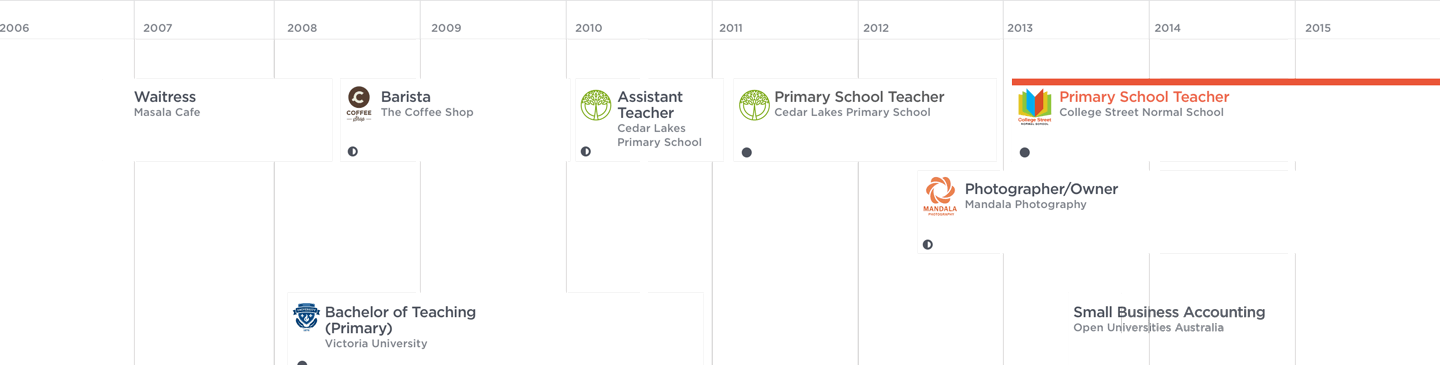
Add profile, endorsements, career journey and optional video introduction over time.
Get noticedUse CC account settings, notifications and unsubscribe routes without making profile or contact details public by default.
Open accountAccount creation, login and notification controls stay on admitted shared UMS routes.